Financial Aid Student Portal
Once you have been admitted to NAU and your FAFSA has been received and processed, the Financial Aid Office will review your eligibility and post any financial aid offers and outstanding documents to your Financial Aid Student Portal.
Login Instructions
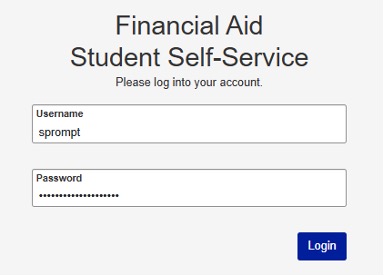
Login to your Financial Aid Student Portal using your NAU credentials. When entering your username, remove “@na.edu”. If you experience login issues, please contact the IT Help Desk at support@na.edu for assistance.
Review & Accept Your Financial Aid Offer
Review your financial aid offer for the academic year through the Financial Aid Student Portal. If loans are offered, you are not required to accept the full amount. You may:
- Accept the award as offered
- Reduce the amount to better meet your needs
- Decline the award altogether
Submit Required Documents
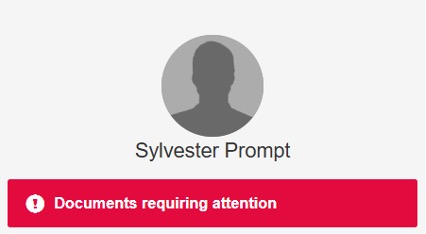
Some students may be required to submit additional documentation before their eligibility can be finalized or aid can be disbursed. To view outstanding documents, select “Documents Requiring Attention.”
To avoid delays, submit all requested documents and complete any outstanding loan requirements as soon as possible. Students are strongly encouraged to satisfy all requirements before the start of the semester whenever possible.
Important Deadline
All required financial aid documents must be submitted by the final payment deadline of each semester published on the academic calendar. Documents received after this deadline may not be reviewed or processed before the term ends and could result in a delay, reduction, or loss of financial aid eligibility.